
How ListBouncer works
Upload a CSV, we check every address against its mail server, and you download a clean list. Here's each step.
Updated October 7, 2026
ListBouncer checks every address on your mailing list and tells you which ones will bounce, so you can remove them before your next send.
The four steps
- Export your contacts from your email tool as a CSV file. Any column layout works. See Preparing your CSV.
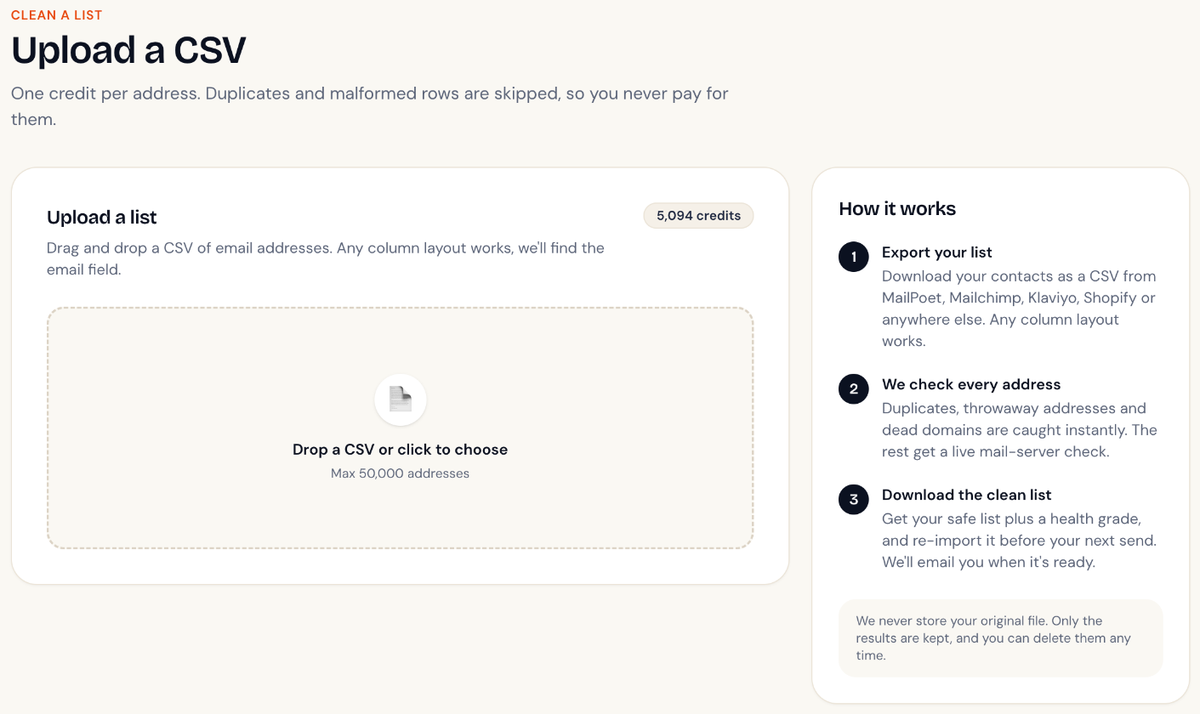
- Upload the CSV on the Clean a list page. We remove duplicates and broken rows straight away, free of charge.
- We check each address. For most addresses we ask the receiving mail server whether that mailbox exists, without sending an email. You can close the tab. We'll email you when it's done.
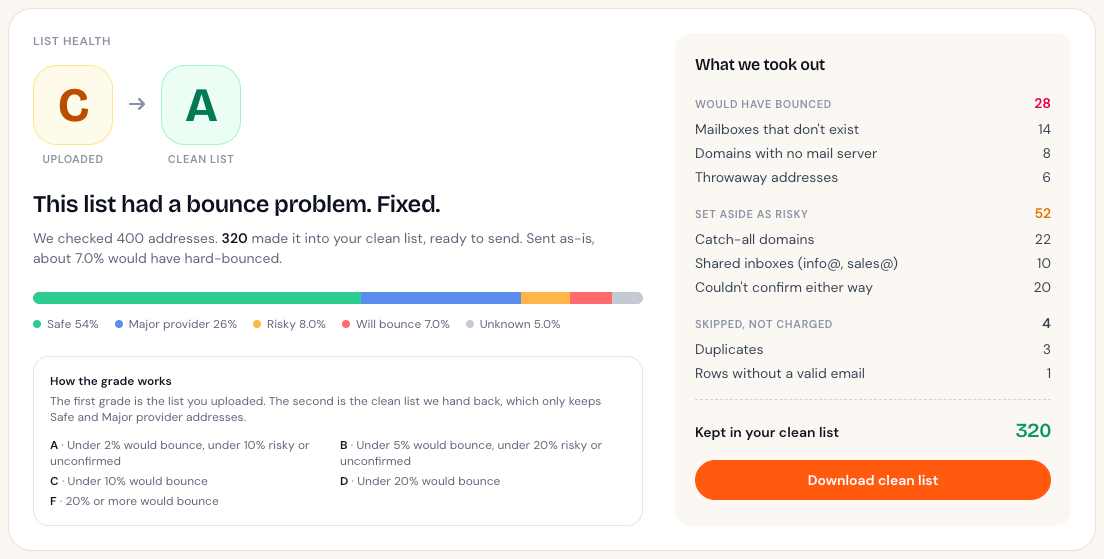
- Get your report and clean list. You'll see your list's health grade, what we took out and why, and a download button for the clean file.
When the check finishes, your report opens with your grade and a receipt of what we removed:
What a check looks at
- Format: is it a real email address, or a typo like
name@gmailwith no ending? - Domain: does the domain exist, and can it receive email at all?
- Throwaway addresses: is it from a disposable email service people use to dodge sign-up forms?
- Shared inboxes: is it something like
info@orsales@that goes to a team rather than a person? - The mailbox itself: does the mail server confirm that this exact mailbox exists?
Each address ends up in one of five groups: Safe, Major provider, Risky, Will bounce or Unknown. What each result means explains them.
How long it takes
Small lists usually finish in a few minutes. Larger lists take longer, because some mail servers answer slowly. You don't need to keep the page open.
Try it for free
Every new account gets 100 free credits, enough to clean 100 addresses. No card needed.
Didn't answer your question?
Email support@listbouncer.com or use the contact form. A real person replies.