
What each result means
Safe, Major provider, Risky, Will bounce and Unknown, explained in plain English, with what to do about each.
Updated October 7, 2026
Every address on your report lands in one of five groups.
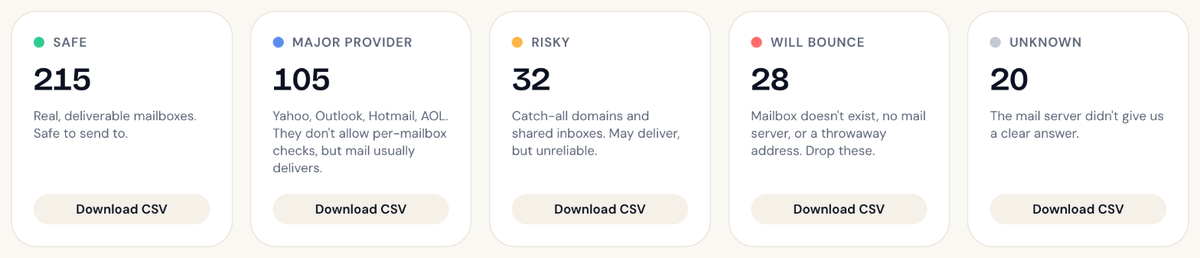
| Result | What it means | What to do |
|---|---|---|
| Safe | The mail server confirmed this mailbox exists. | Send to it. |
| Major provider | A Yahoo, Outlook, Hotmail or AOL address. These providers don't allow mailbox-level checks, but mail to them usually delivers. | Send to it. It's in your clean list by default. |
| Risky | A catch-all domain, a shared inbox like info@, or a server that gave a mixed answer. It may deliver, but we can't confirm a person is reading it. |
Your call. See Catch-all and shared inboxes. |
| Will bounce | The mailbox doesn't exist, the domain can't receive email, or it's a throwaway address. | Remove it from your email tool. |
| Unknown | The mail server didn't give us a clear answer. | Leave it out for now. See Unknown results. |
Which ones are in my clean list?
The Download clean list button gives you Safe plus Major provider. That's what we'd send to.
Want to include some Risky or Unknown addresses too? Use Build your clean list on the report to pick exactly what goes in. See Building and downloading your clean list.
Why each address is where it is
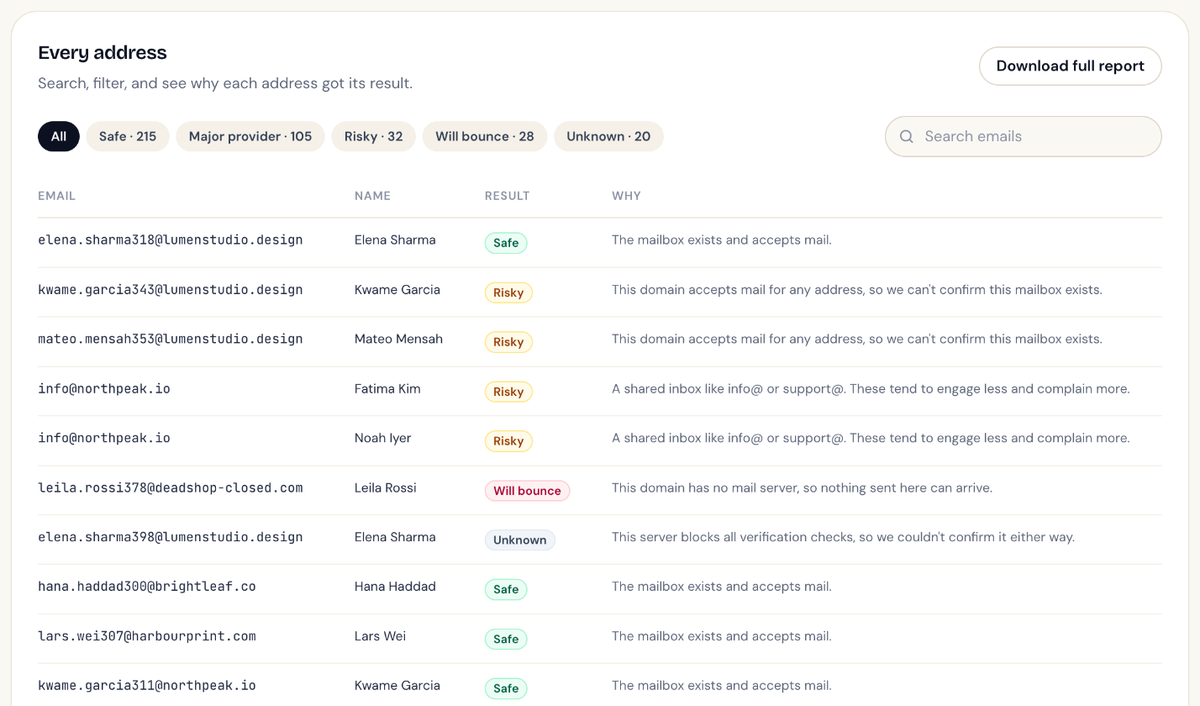
The results table on your report shows a short reason next to every address, like "Mailbox doesn't exist" or "Domain has no mail server". You can search the table and filter it by result.
Didn't answer your question?
Email support@listbouncer.com or use the contact form. A real person replies.